![Cario logo RGB blue-1.png]](https://knowledge.cario.com.au/hs-fs/hubfs/Cario%20logo%20RGB%20blue-1.png?height=50&name=Cario%20logo%20RGB%20blue-1.png)
Purpose
The Cost Centre feature in Cario allows organisations to categorise freight spend by department, function, project, or operational unit. Cost Centre are used during consignment creation to support financial tracking, reporting, and reconciliation.
Once enabled, selecting a Cost Centre becomes a mandatory step when creating a consignment.
What This Helps With
Using Cost Centre helps to:
- Accurately allocate freight costs to the correct department or function
- Improve internal cost tracking and reporting
- Support finance and invoice reconciliation processes
- Enable clearer spend analysis when exporting consignment data
- Enforce consistent cost attribution across all bookings
How Cost Centre Work in Cario
- Cost Centre are configured under Maintenance → Codes
- Each Cost Centre includes:
-
- A Code (required)
-
- A Description (recommended)
- Once created, Cost Centre:
-
- Become selectable during consignment creation
-
- Are mandatory when booking consignments
-
- Are included in Export to CSV outputs under Customer Service
Accessing Cost Centre Maintenance
- Log in to Cario.
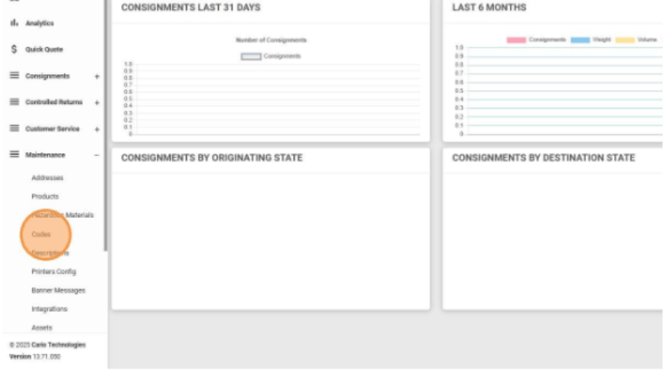
- Navigate to Maintenance → Codes from the left-hand menu.
- Select the relevant Customer / Dispatch Location.
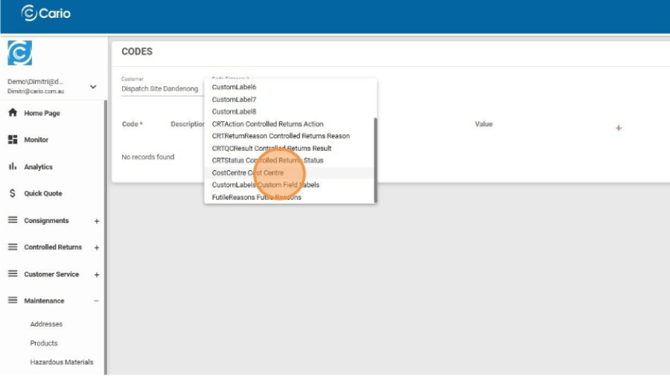
- In the Code Category dropdown, select Cost Centre.
Adding a New Cost Centre
- In Maintenance → Codes, ensure Cost Centre is selected as the Code Category.
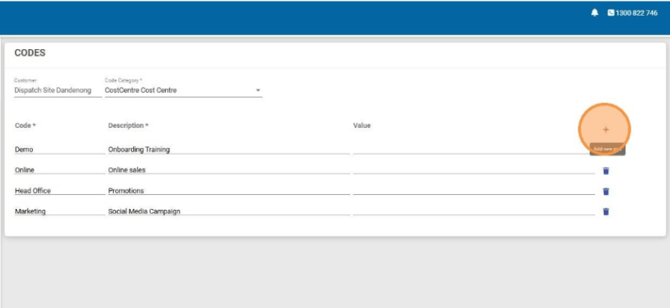
- Click the red plus (+) icon on the right-hand side.
- A new row will appear.
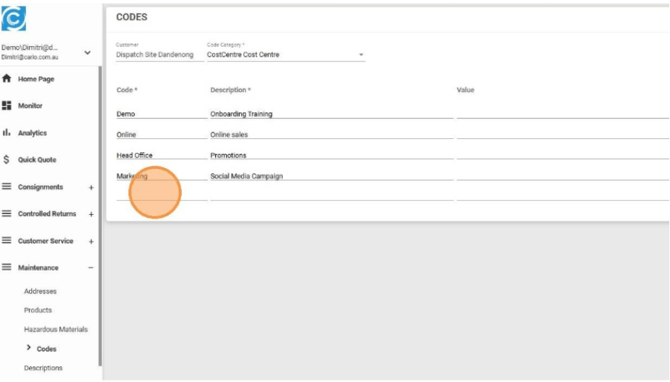
- Enter the following:
- Code – Required (e.g. OPS, WH01, FIN)
- Description – Optional but recommended (e.g. Warehouse Operations)
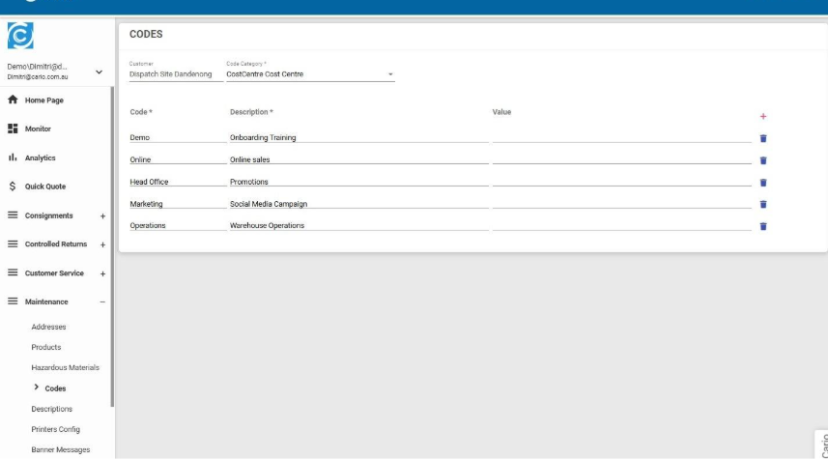
- Press Tab to exit the field.
- A confirmation message will appear:
“Code successfully added”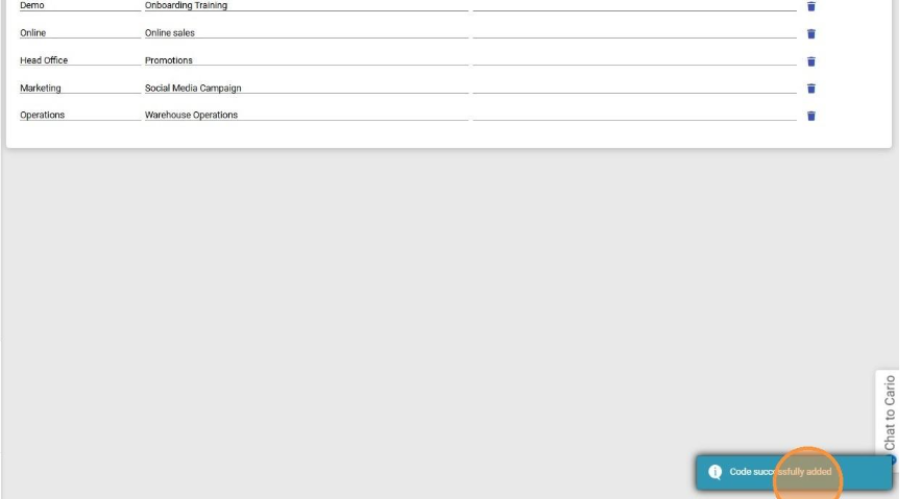
Your Cost Centre is now active and available for use.
Using Cost Centre When Creating a Consignment
- Navigate to Consignments → Create New.
- Locate the Cost Centre field.
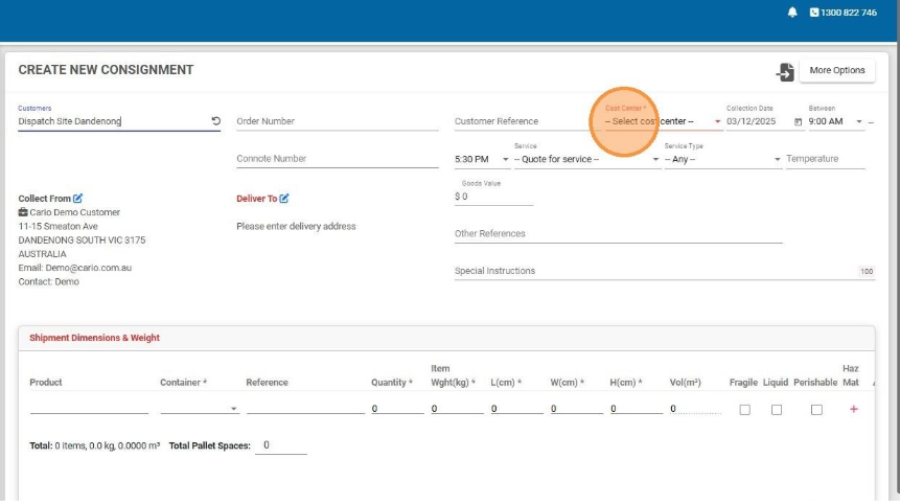
- Select the appropriate Cost Centre from the dropdown.
- Continue creating the consignment as normal.
⚠️ Important:
The Cost Centre field is mandatory when creating consignments.
Reporting & Exports
- Cost Centre values are included when exporting data via:
Customer Service → Export to CSV
- This allows finance and operations teams to:
-
- Reconcile freight spend
-
- Analyse costs by department or function
- Support downstream reporting and audits
Important Notes
- Cost Centre are customer-specific.
- Deleting a Cost Centre does not affect historical consignments.
- Ensure Cost Centre naming is consistent to avoid reporting confusion.