![Cario logo RGB blue-1.png]](https://knowledge.cario.com.au/hs-fs/hubfs/Cario%20logo%20RGB%20blue-1.png?height=50&name=Cario%20logo%20RGB%20blue-1.png)
Purpose
The Addresses module allows users to manage all pickup and delivery addresses used within Cario. Any address entered during consignment creation is automatically saved to the Address Book, enabling consistent reuse across future consignments.
This section is used to add, update, or remove addresses, ensuring address data remains accurate and aligned with operational requirements.
What This Helps With
Maintaining addresses in Cario helps to:
- Reduce booking and carrier validation errors
- Ensure residential, ATL, and special handling flags are applied correctly
- Avoid repeated manual entry of the same address details
- Maintain consistent pickup and delivery instructions
- Improve speed and accuracy when creating consignments
Accessing Address Maintenance
- Log in to Cario.
- Navigate to Maintenance → Addresses from the left-hand menu.
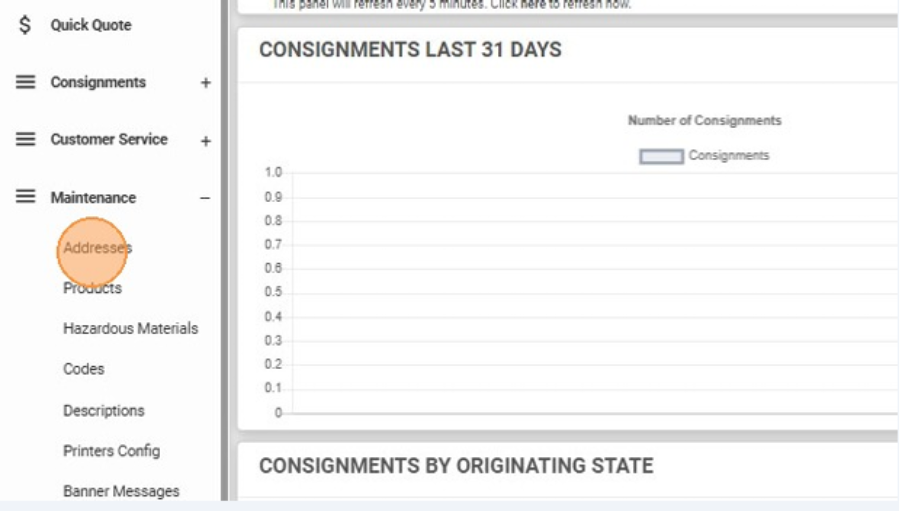
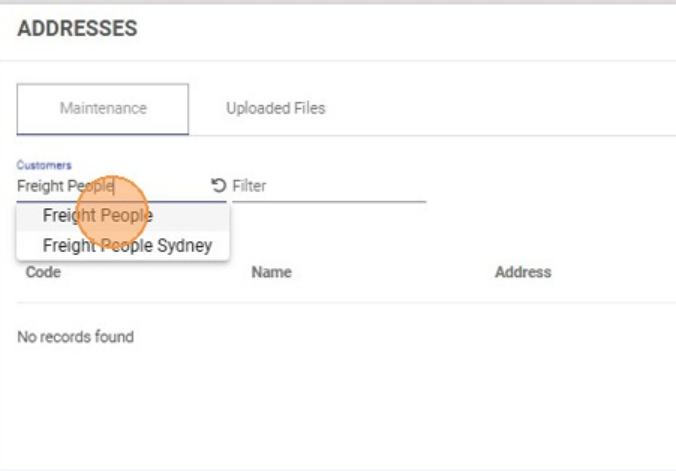
- Select the relevant Customer to view addresses linked to that account.
Adding a New Address
- In Maintenance → Addresses, select the required Customer.
- Click the red plus (+) icon on the right-hand side.
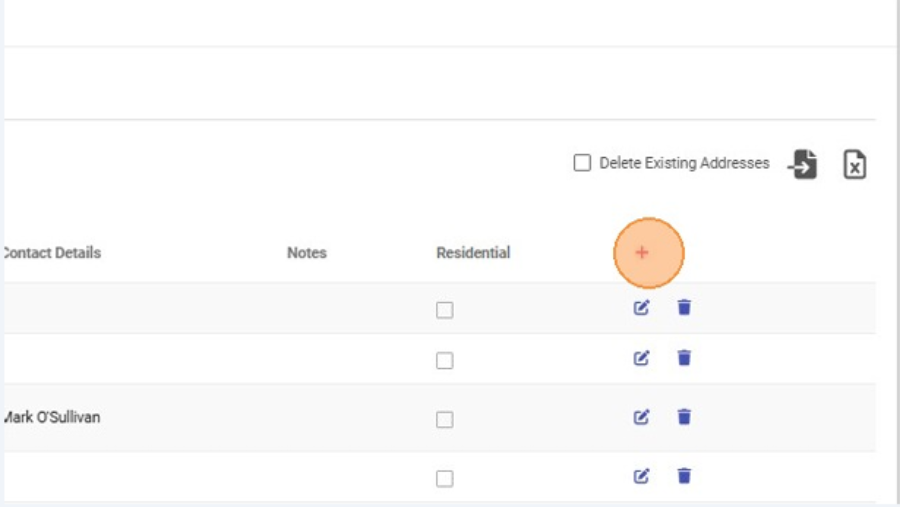
- Enter the address details:
- Name (person or business)
- Unit number, street number, and street name
- Suburb and postcode
⚠️ Ensure you select suburbs without a mailbox icon to avoid PO Box locations.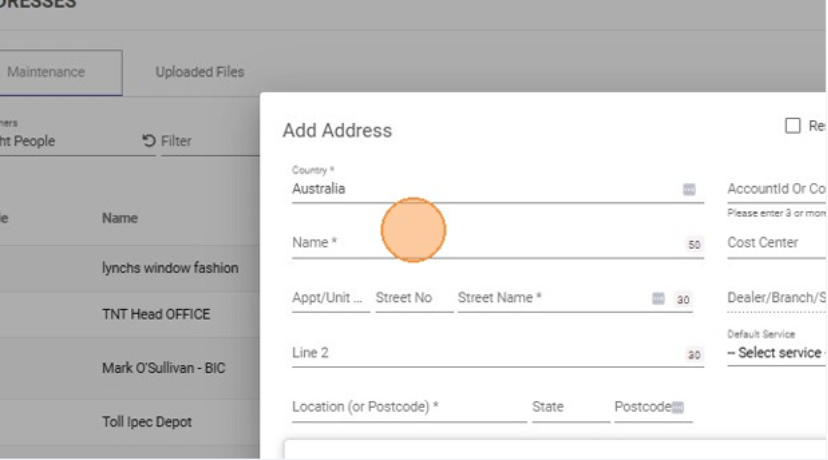
- Enter site contact details:
- Contact name
- Email address
- Phone or mobile number
- (Optional) Add Pickup Instructions or Delivery Instructions.
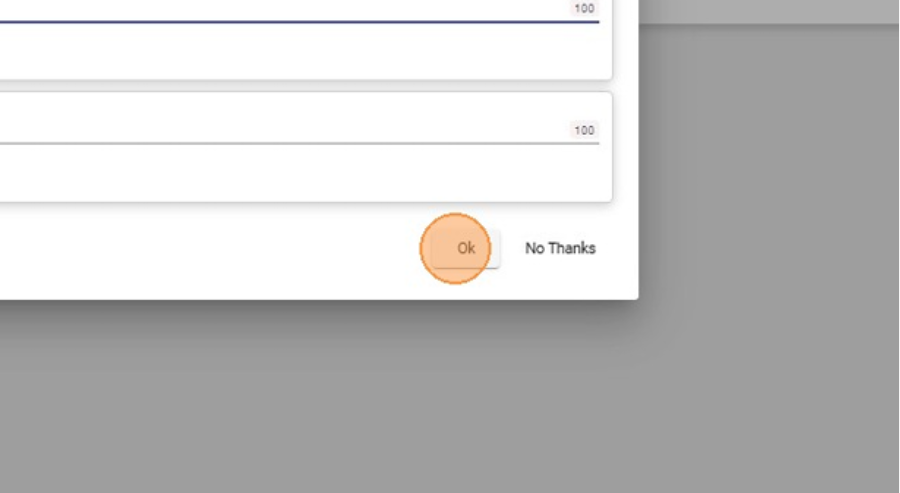
- Click OK to save the address.
Editing an Existing Address
- Search for the address using the search field.
- Click the pencil (edit) icon on the right-hand side.
- Update any required details, including:
- Address lines
- Contact information
- Pickup or delivery instructions
- Apply address flags where applicable:
- Residential
- Postal Only
- Extended Address
- ATL (Authority to Leave)
- Tail Lift
- Hand Unload
- Click OK to save your changes.
Deleting an Address
- Locate the address you wish to remove.
- Click the trash bin icon on the right-hand side.
- Confirm the deletion when prompted.
Important Notes
- Deleted addresses will no longer appear in address lookups when creating consignments.
- Editing an address does not affect historical consignments already created.
- Address flags and instructions are applied automatically when the address is selected during consignment creation