![Cario logo RGB blue-1.png]](https://knowledge.cario.com.au/hs-fs/hubfs/Cario%20logo%20RGB%20blue-1.png?height=50&name=Cario%20logo%20RGB%20blue-1.png)
The Cario Freight Management System (FMS) is designed to help users navigate complex freight workflows through a consistent, intuitive interface supported by contextual guidance and in-platform support tools.
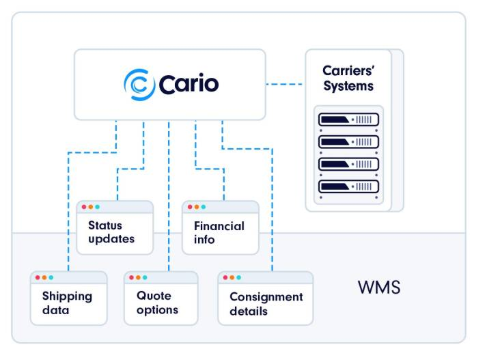
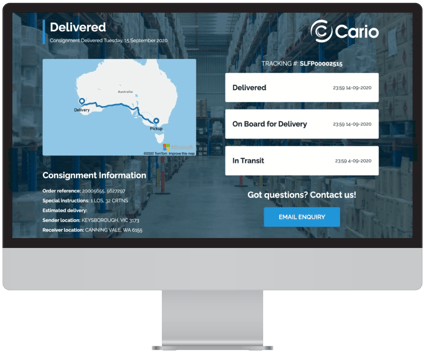
Left Navigation Menu
The left-hand menu is the primary way to move through the Cario platform.
Each menu module represents a functional area such as quoting, consignments, reporting, accounting, or administration.
- Modules can be expanded or collapsed to reveal related sub-menus
- Menu visibility is role-based, meaning users only see modules they have permission to access
- Selecting a module updates the main workspace with relevant data and tools
User Profile & Account Access
Your username is displayed in the top-left corner of the screen.
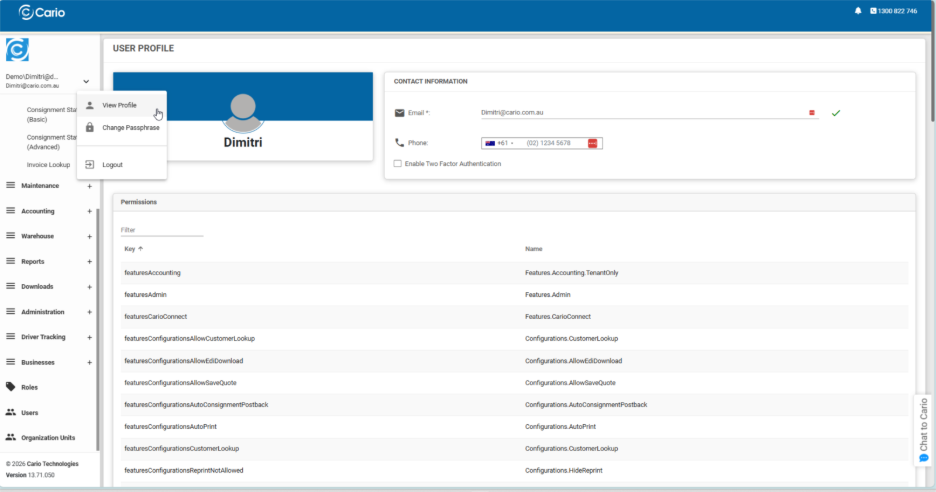
From this menu, users can:
- View their profile details
- Change their password
- Log out of the platform
This area also reflects the current user permissions, which control access to features and modules.
Customer & Dispatch Location Context
The selected customer or dispatch location determines the data displayed throughout the platform.
- Dashboards, consignments, reports, and analytics update based on the selected account
- Switching customers or dispatch sites refreshes the data to reflect that specific operational context
- This ensures users are always viewing information relevant to the correct business unit or warehouse
Support & Help Access
Cario provides multiple ways to access help and support directly within the platform:
- The Cario Customer Support phone number is displayed in the top-right corner for quick access
- The in-app chat feature allows users to contact the support team without leaving the platform
- Question mark icons appear across different menus and screens, linking directly to relevant Knowledge Base articles for contextual guidance
These tools are designed to provide fast assistance and self-service support while working in Cario.
Dashboard & Data Visibility
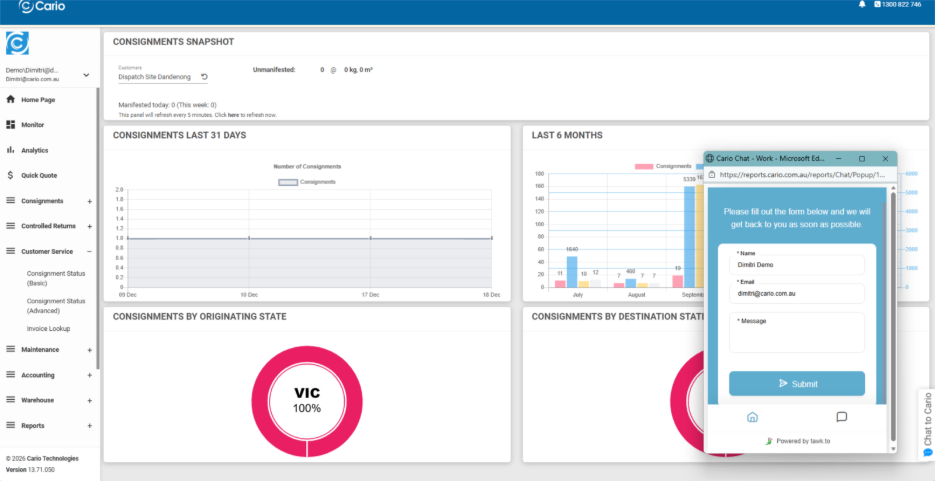
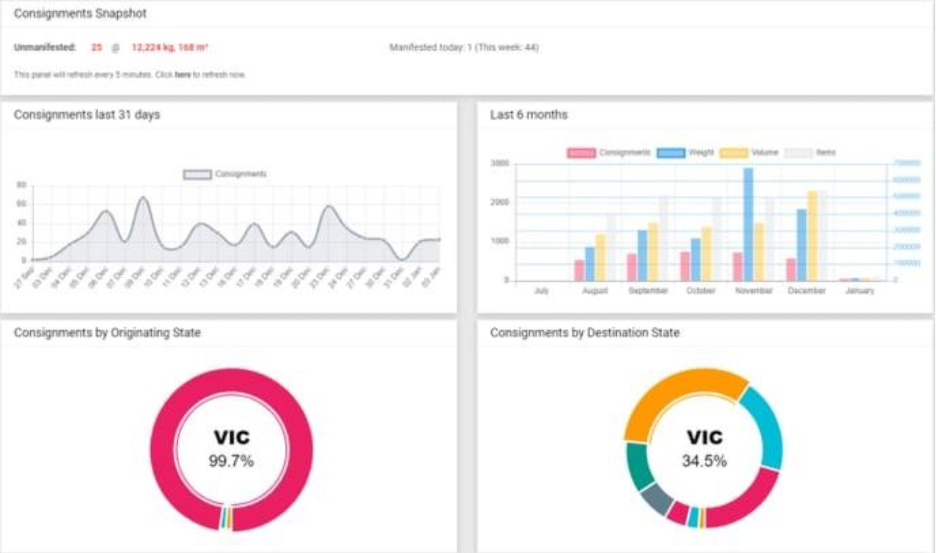
The home page acts as a dashboard, presenting a snapshot of recent and historical freight activity using charts and summaries.
This includes visibility into:
- Consignment volumes
- Weights and cubic volumes
- Origin and destination trends
- Time-based activity summaries
The dashboard automatically reflects the selected customer and dispatch location, ensuring data accuracy.
Home
Cario's home page
Dashboard of your consignments displayed in several charts.
Contextual Help via Question Mark Icons
Throughout the Cario platform, question mark (?) icons are displayed next to key screens, headings, and functions.
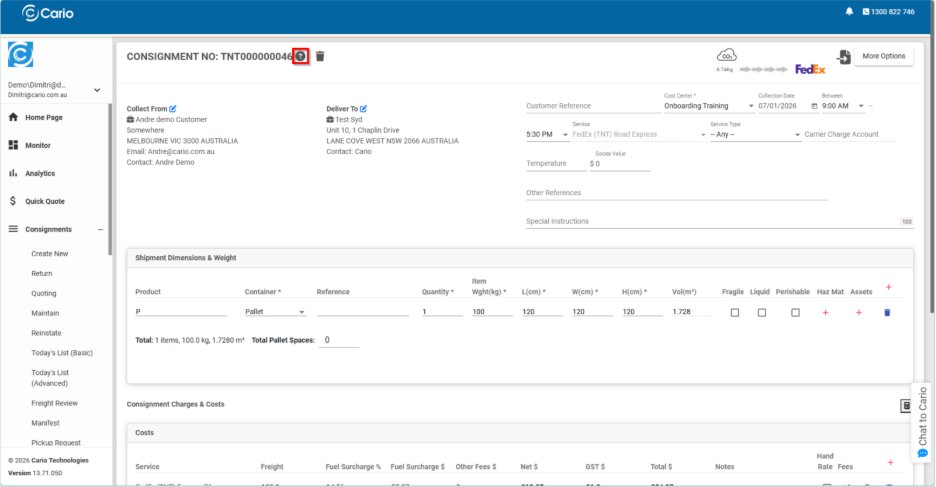
These icons provide context-sensitive help, linking directly to relevant Knowledge Base articles based on the screen or workflow you are viewing. This allows users to:
- Understand the purpose of the current screen or feature
- Access explanations without leaving their workflow
- Quickly reference best practices or feature overviews
For example, when viewing or creating a consignment, the question mark icon links to articles explaining consignment details, charges, dimensions, and workflow behavior relevant to that screen.
This approach ensures help content is always aligned with what the user is doing, reducing reliance on external documentation or support requests.
Consignment Screen Overview
The consignment screen brings together all critical shipment information in one view, including:
- Collection and delivery details
- Service and carrier selection
- Shipment dimensions and weight
- Charges, surcharges, and totals
Contextual help icons on this screen allow users to better understand how:
- Dimensions and volume affect pricing
- Charges are calculated
- Service options are presented
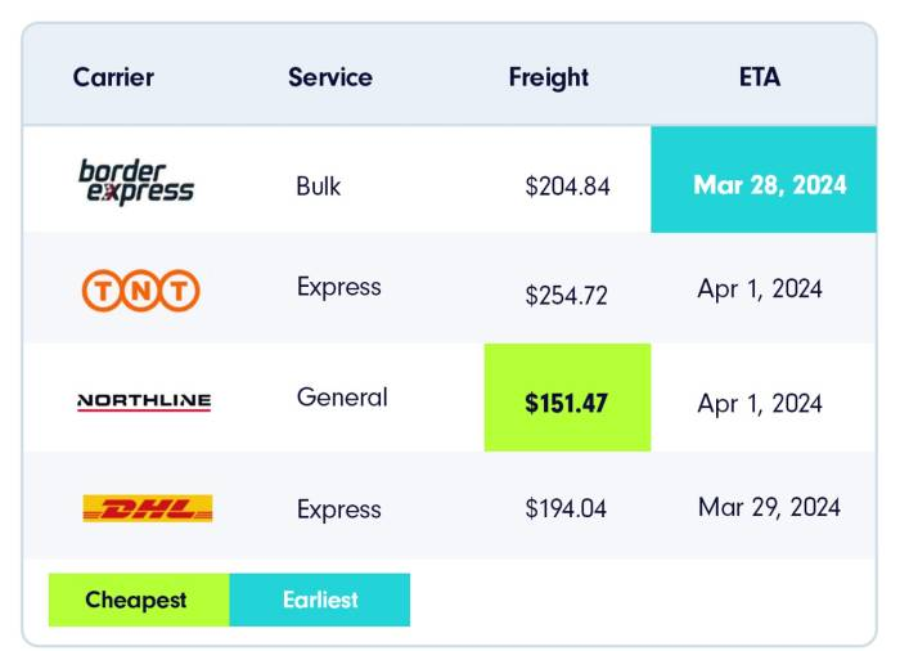
This supports accuracy and confidence when managing freight.
Customer & Data Context Awareness
All help content and data displayed within the platform respects the currently selected customer or dispatch location.
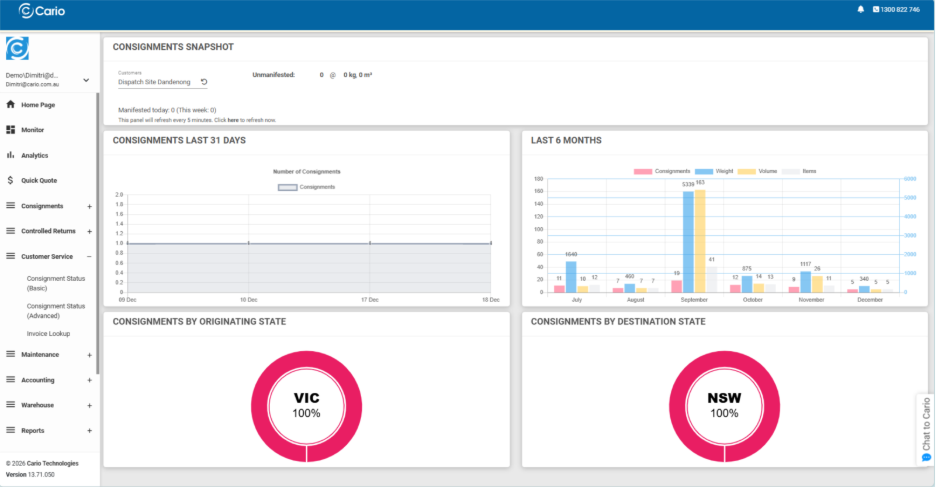
This means:
- Dashboards, consignments, and reports reflect the active account
- Help articles linked via question mark icons remain relevant to the selected workflow
- Users can confidently navigate between customers or sites without confusion
Why Contextual Navigation Matters
By combining:
- Clear menu structure
- Role-based access
- Contextual help icons
- Embedded support channels
Cario ensures users can understand the platform as they use it, not after the fact. This reduces onboarding time, improves accuracy, and supports efficient day-to-day freight operations.